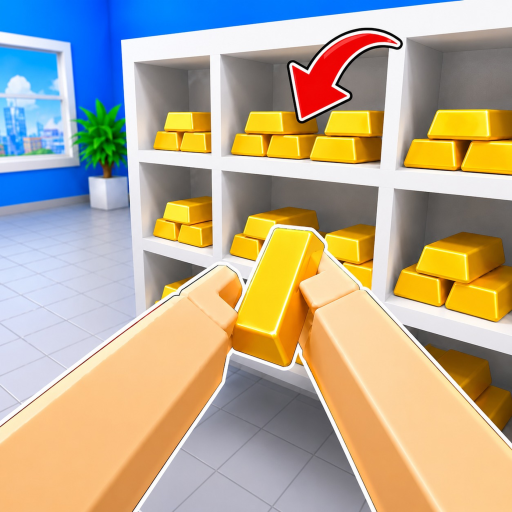
Pick up and place
Use E or click on PC, and RT on controller.
Clean The Bank controls are E/click, R, F, number keys, T and G on PC; RT, RS, LT and Y cover the published controller actions. Mobile inputs are not listed, so follow the live prompts.
The Controls Quick Finder keeps every official PC and controller mapping in the server-rendered page, filters by device or action, and gives an explicit not-listed answer for mobile.
All results remain visible in the page markup and the filter only narrows the official rows.
Use E or click on PC, and RT on controller.
Use R and F on PC, or RS and LT on controller.
PC Magic uses G. Controller Upgrades uses Y. Other ability details are not public here.
The official description publishes PC and controller mappings but does not name mobile inputs. Interface buttons may differ by device or game update, so follow the prompts shown by the live game rather than an invented mapping.
Press E or click.
Press G.
Press Y.
Mobile inputs are not listed in the checked official description; follow the live on-screen prompts.
Choose another complete player task.
Put these inputs into a first sorting run.
Check whether public changes are documented.